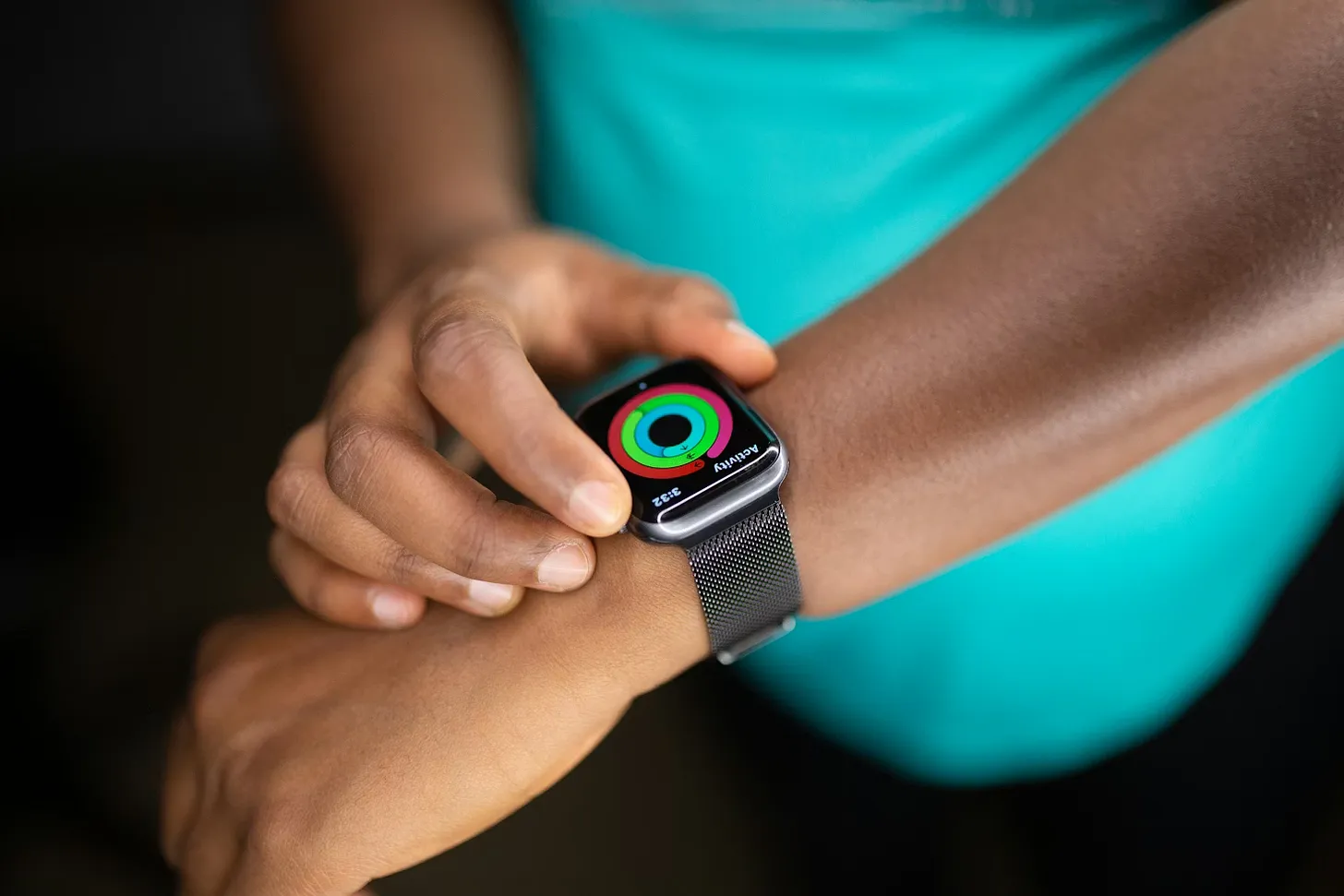
You probably bought your Apple Watch for notifications, or step counting, or the satisfaction of closing your rings.
But somewhere along the way, it became something much more interesting. It became a continuous health monitoring device sitting on your wrist 24 hours a day, collecting data that physiologists spent decades trying to measure in lab settings.
Most runners have no idea what their watch is actually tracking. And even those who do often have no idea what to do with it.
Here is a plain-English guide to what your Apple Watch knows, and what it could tell you, if you had the right app to interpret it.
What Your Watch Collects
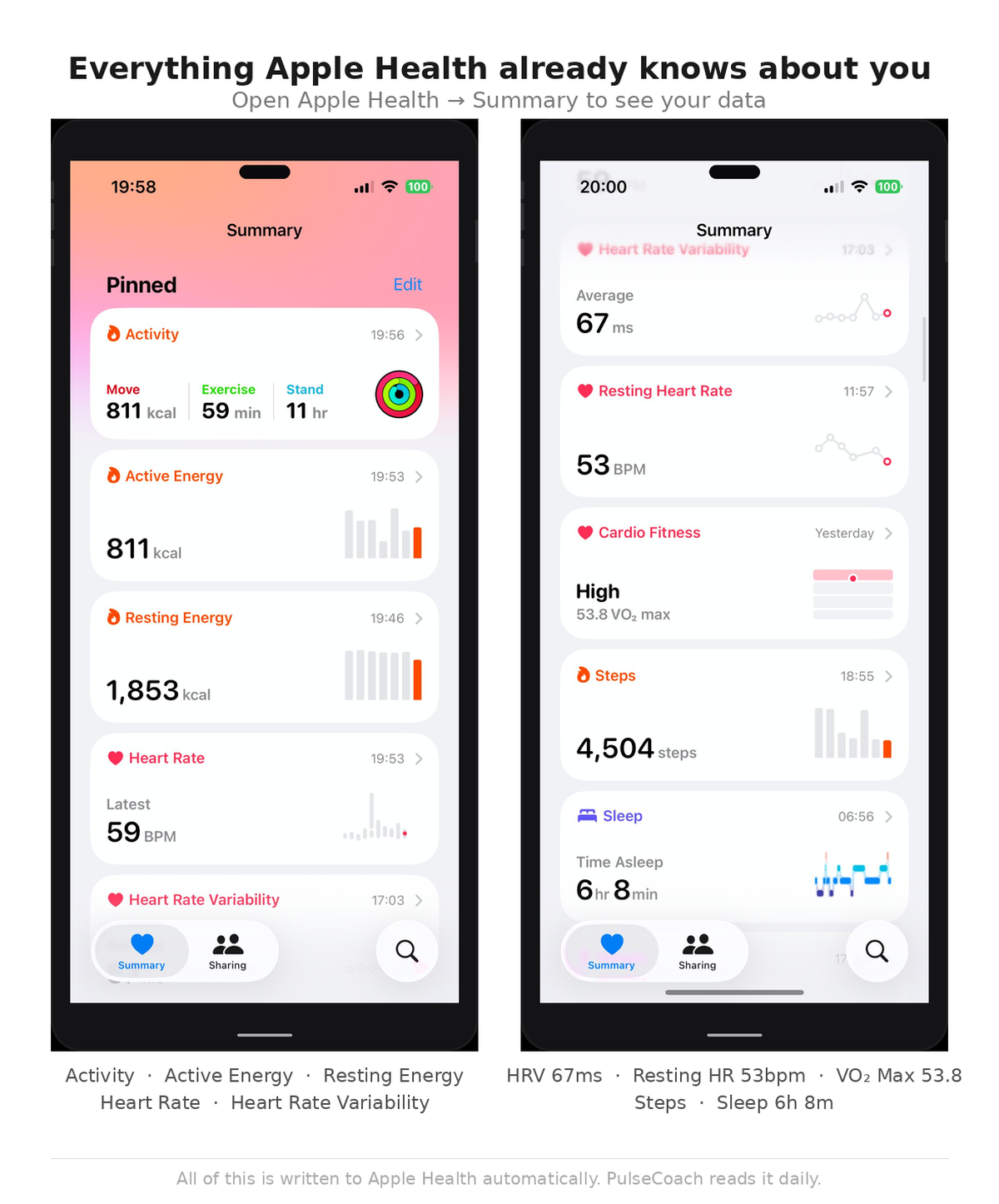
Open Apple Health and go to Browse. The list is longer than most people expect.
Heart Rate Variability (HRV). Measured during sleep using your watch's optical heart rate sensor. HRV captures the variation in time between consecutive heartbeats, a window into your autonomic nervous system and one of the most sensitive indicators of recovery status and stress load.
Resting Heart Rate (RHR). Your average heart rate during periods of rest, typically calculated from overnight measurements. One of the most stable and reliable metrics your watch tracks. Changes from your personal baseline are meaningful.
VO2 Max. An estimate of your maximal aerobic capacity, the maximum rate at which your body can use oxygen during exercise. Apple Watch calculates this from outdoor runs using heart rate and pace data. It improves with fitness and declines with detraining or illness.
Sleep data. With watchOS sleep tracking, your watch logs sleep duration and estimates sleep stages. Sleep quality and duration are both written to Apple Health and available to third-party apps.
Workouts. Every run, cycle, swim, or other logged workout is stored in Apple Health with duration, distance, heart rate, calories, and route data. This forms the basis of training load calculations.
Running metrics. On newer Apple Watch models, metrics including cadence, stride length, ground contact time, and vertical oscillation are captured during outdoor runs and written to Apple Health.
What Each Metric Means
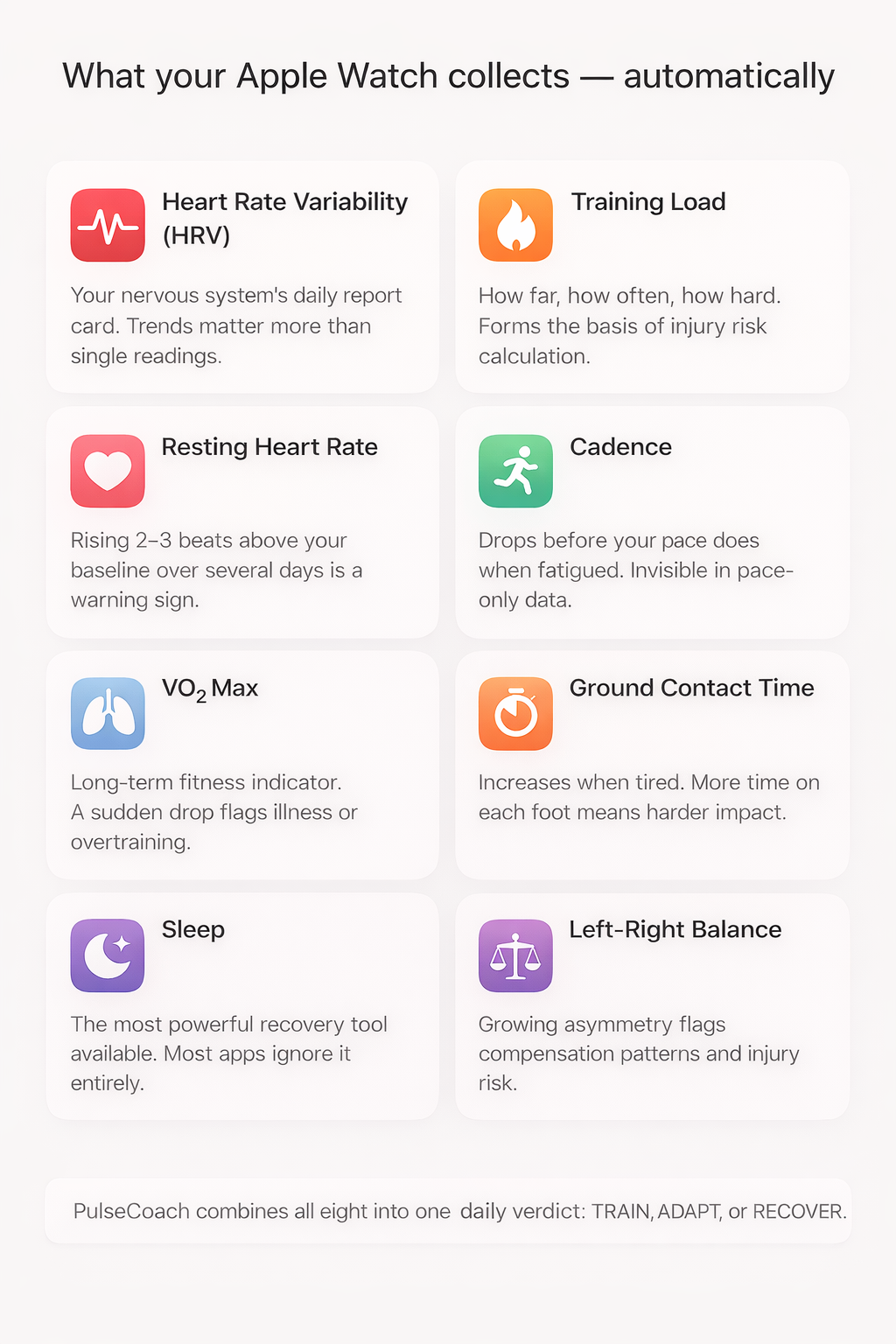
HRV. Think of this as your nervous system's daily report card. High HRV relative to your personal baseline means your parasympathetic nervous system is dominant: you are well-rested, well-recovered, and ready to handle stress. Low HRV means your sympathetic nervous system is working harder, often a sign of accumulated training stress, poor sleep, illness, or life stress. A single reading is rarely conclusive. Trends over multiple days are what matter.
Resting Heart Rate. Your heart works harder when your body is under stress. If your resting heart rate climbs two or three beats above your normal baseline over several days, your body is telling you something. It might be early illness. It might be training fatigue. Either way, it is worth knowing.
VO2 Max. A long-term fitness indicator. It moves slowly, across weeks and months rather than days. Useful for tracking overall fitness trajectory. A sudden significant drop can flag illness or overtraining, but it is not a day-to-day decision-making tool.
Sleep. Both duration and quality matter for recovery. Research consistently shows that sleep is the single most powerful recovery intervention available to athletes. Short sleep reduces HRV, elevates resting heart rate, impairs performance, and increases injury risk. Your watch knows how much sleep you got. Most apps ignore it.
Training load. Derived from your workout data, how often you ran, how far, and how hard. Tracking load over time lets you calculate whether you are building fitness or accumulating risk.
Cadence. Steps per minute while running. Lower cadence often means longer stride length and harder landing forces. Cadence drops when you are fatigued, often before your pace drops. Tracking cadence over time reveals neuromuscular fatigue invisible in pace-only data.
Ground contact time. How long each foot is in contact with the ground per stride. Longer contact time generally means less efficient running mechanics, and it increases when you are tired.
Left-right balance. The percentage of time each foot is on the ground. Growing asymmetry, particularly asymmetry that develops during a run, can flag compensation patterns that lead to injury.
How Apps Use This Data Today
Here is where things get frustrating.
Fitness tracking apps do a reasonable job with workout data. Distance, pace, heart rate, splits. They show you what happened during your run and let you track progress over time. Useful.
Recovery apps are a different story.
Most recovery apps take two or three of the metrics above, typically HRV and resting heart rate, run them through a proprietary formula, and give you a score between 1 and 100. Green means go. Red means rest. Amber means unclear.
The score sounds scientific. It looks precise. But it is missing most of the picture.
Sleep data is often ignored or weighted lightly. Training load is rarely factored in at all. Biomechanics data is almost universally absent from recovery apps, even though your watch has been collecting it for years. And the output is a number with no guidance attached.
You get a score. You do not get a decision.
What Could Be Done
Imagine an app that actually uses all of this.
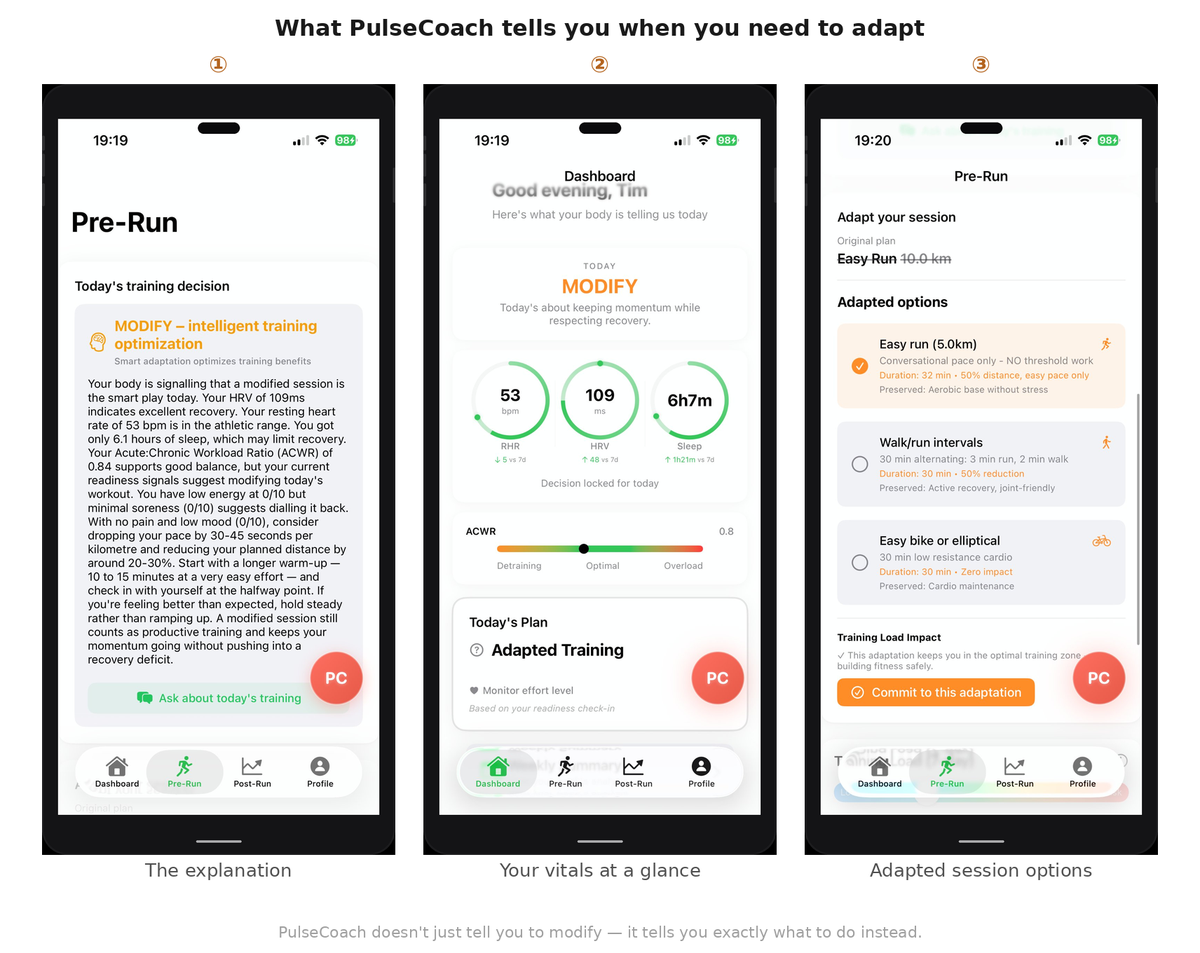
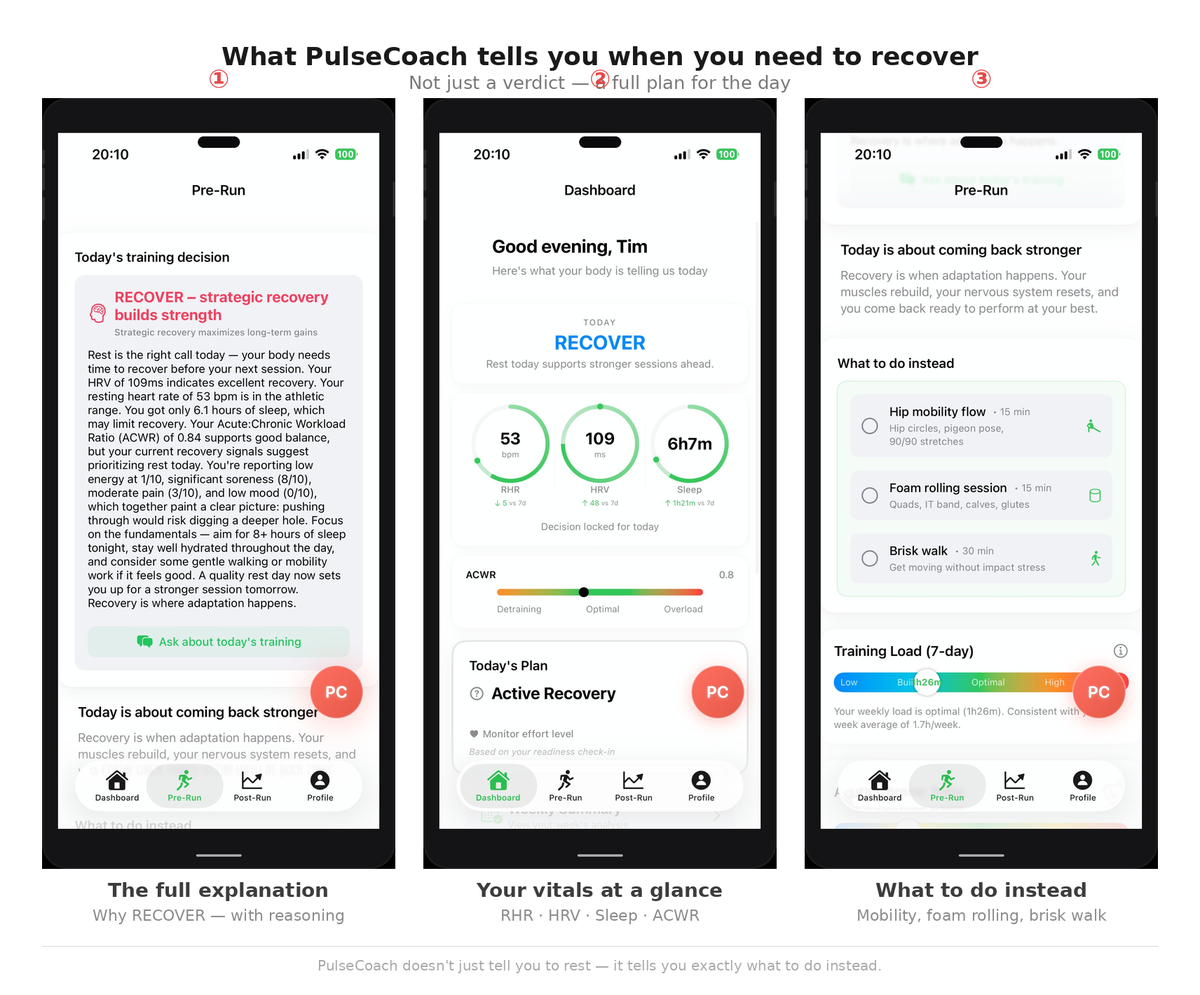
It reads your HRV from last night and compares it to your 7-day and 30-day baseline, not a population average, your personal average. It notes that your resting heart rate has been two beats above baseline for three days. It sees you got 5.5 hours of sleep. It checks your training load, your ACWR is sitting at 1.4, meaning your recent training has been significantly higher than your longer-term average. And it looks at your cadence from yesterday's run, which was 4% lower than your usual range.
Instead of giving you a number, it gives you a decision.
RECOVER. Your nervous system is under accumulated stress. Your training load is elevated. Your sleep has been insufficient. Take today easy. An easy walk is fine. No hard running. And here is why.
Add an AI Coach that knows your patterns, your baseline, your training history, your tendencies, and you have something genuinely powerful. Not a fitness tracker. Not a recovery score. An actual coaching tool that uses the data you are already generating to help you make better decisions every day.
Your Apple Watch Is a Goldmine
Most apps waste it.
They take a fraction of the data, compress it into a number, and call it a recovery score. Meanwhile the signals that could actually prevent injury, improve race performance, and help you train smarter are sitting untouched in Apple Health.
The gap between what your watch knows and what your apps tell you is enormous. And it does not have to be.
Runners deserve better than a number. They deserve a decision.